Vibe Plan with Firebase Studio and Gemini
Vibe Plan with Firebase Studio and Gemini
Are you ready to build your dream Flutter app? Planning is key, and with the power of Firebase Studio and Gemini, you can "vibe plan" your app development like never before. In this article, we'll walk through the process of planning a Flutter barbershop app using these tools, ensuring a smooth and efficient development journey.
Laying the Foundation with Gemini
First things first, let's get Gemini involved in brainstorming the initial app structure. We asked Gemini to plan a barbershop app using Flutter and create a markdown file for the plan. The result is a well-structured blueprint that outlines the app's features and design considerations.
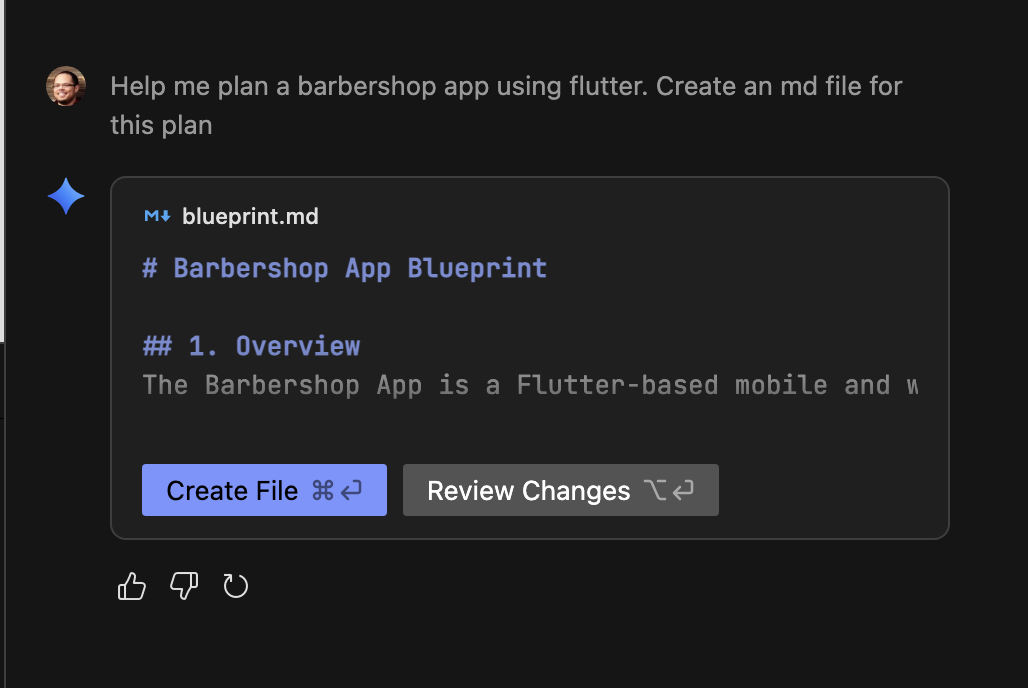
The response creates a blueprint.md file, ready to be implemented.
Detailing the Home Screen
Let's focus on creating an awesome home screen. Instead of rushing into authentication, we'll prioritize a visually appealing and functional home screen. We asked Gemini to create a detailed checklist for the home screen, including a carousel of barbers and call-to-action buttons for directions, email, and phone numbers.
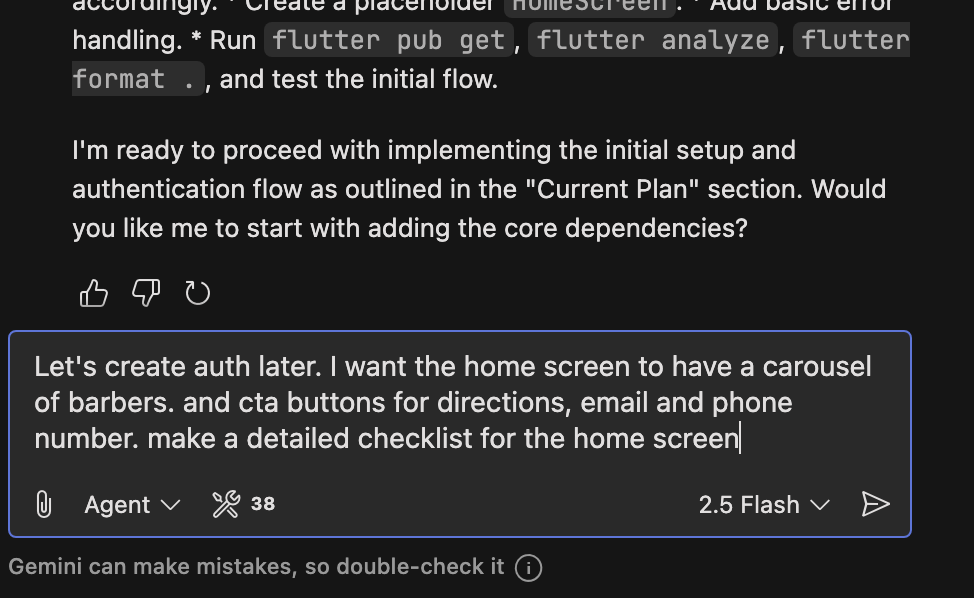
The blueprint is updated, showing the changes.
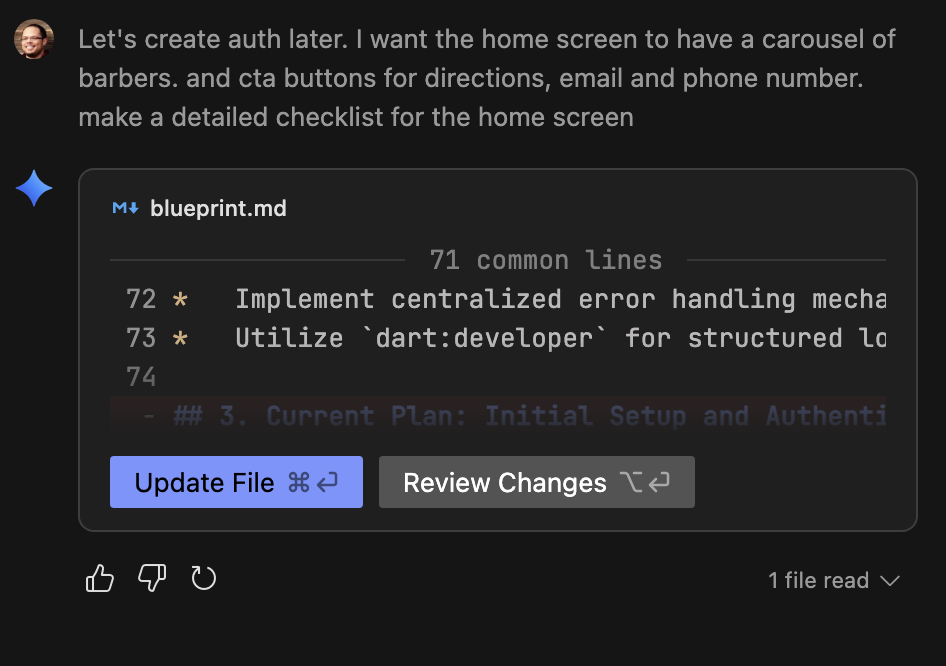
We’re going to keep notes about authentication as we go.
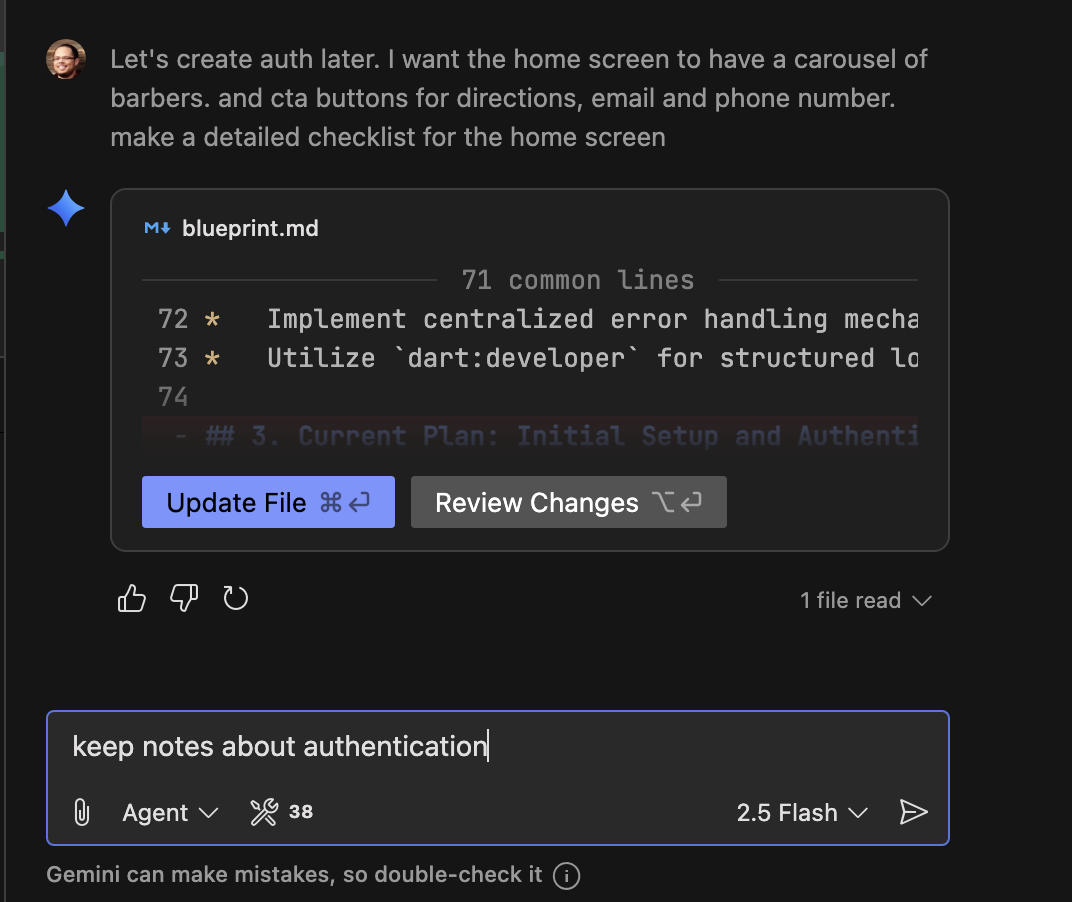
Gemini adds carousel_slider and url_launcher to the dependencies, detailing the structure of the HomeScreen.
The updated blueprint.md file now includes the plan for the Home Screen and a "Future Plans" section for deferred authentication.
Source Control with Firebase Studio
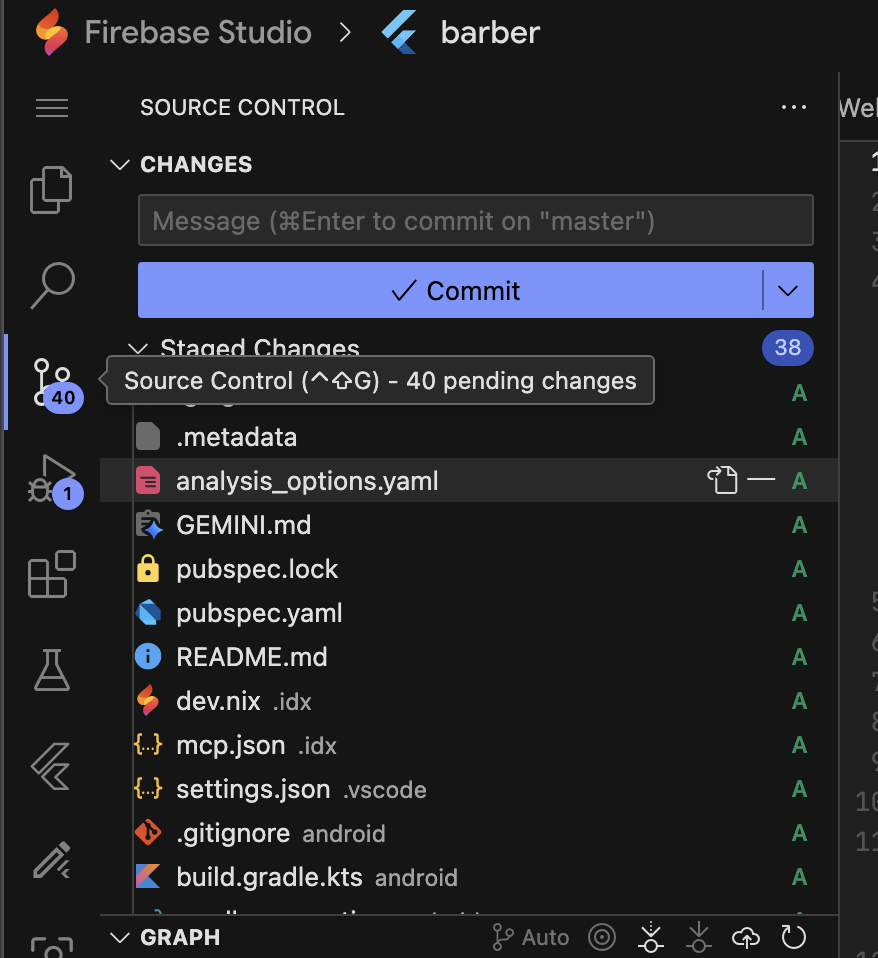
Now it's time to start using Firebase Studio's features for source control. Firebase Studio shows all the changes.
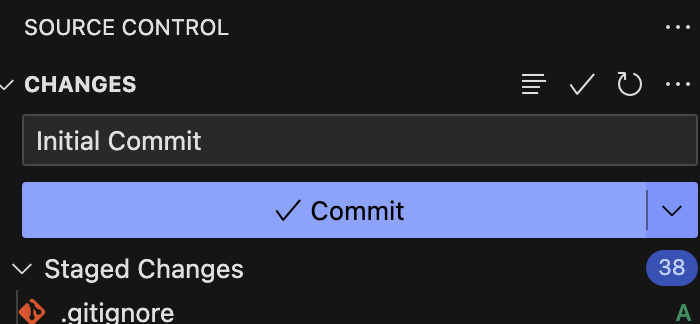
We commit the initial changes to the repository.
Firebase Studio’s integration with source control makes it easy to track and manage changes.
Branching Out
To work on the home page features without disrupting the main codebase, we create a new branch.
Using Firebase Studio, we create a new branch named "feature/home-page". This isolates our changes and allows for focused development. First, we open a new terminal.
Then, we create a new branch.
We name the new branch “feature/home-page”.
Dependency Management and Theming
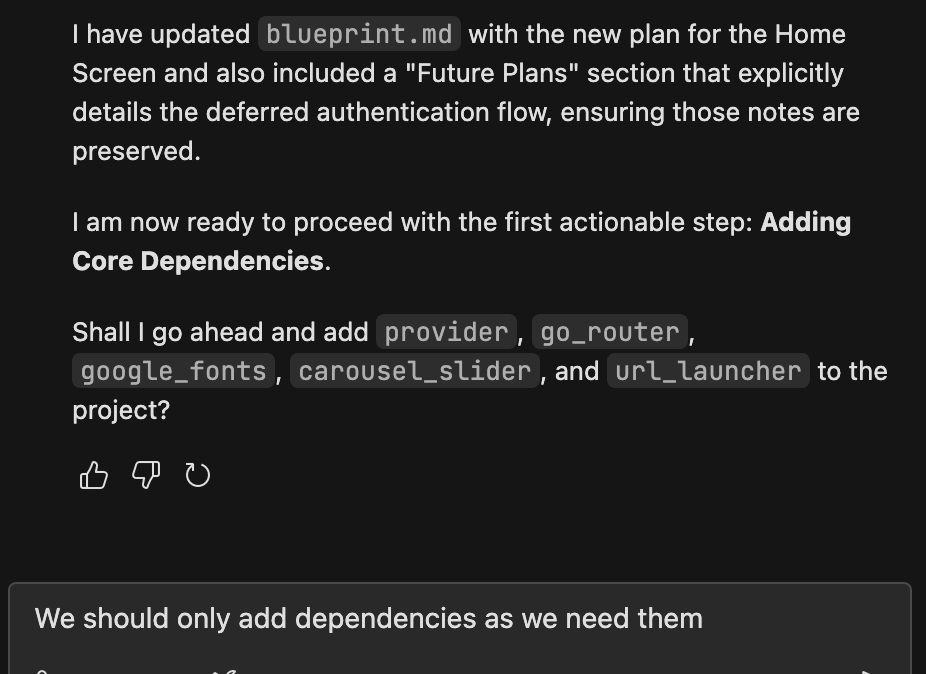
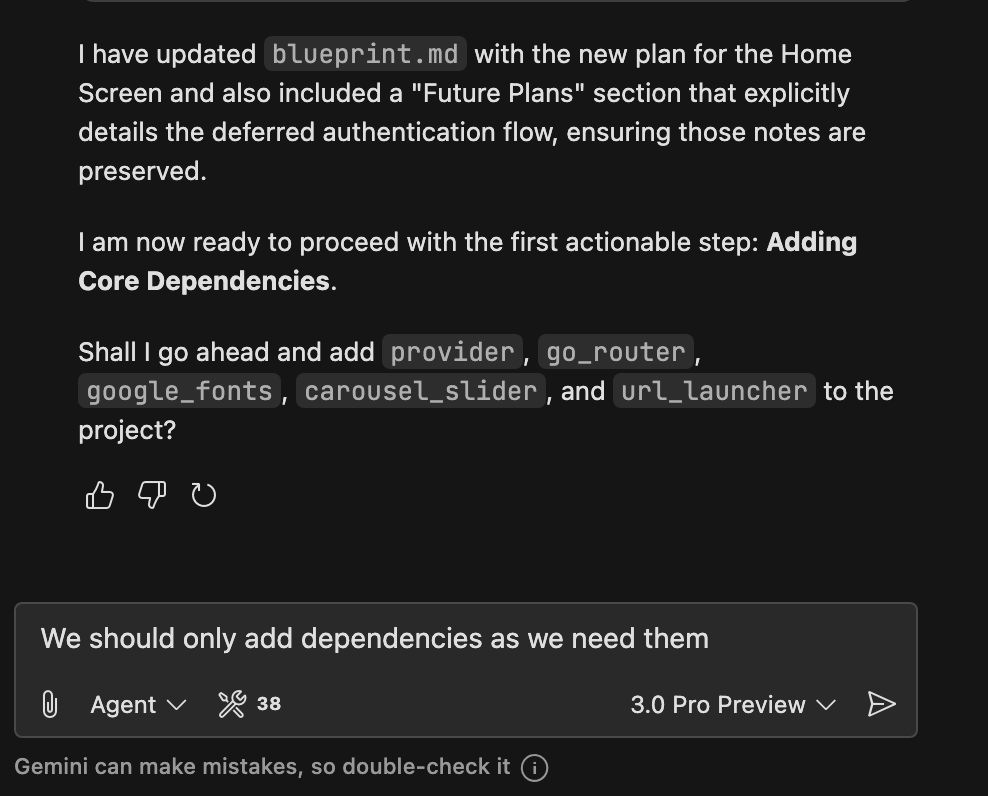
Instead of adding all dependencies at once, we'll add them as needed. This keeps our project lean and avoids unnecessary bloat.
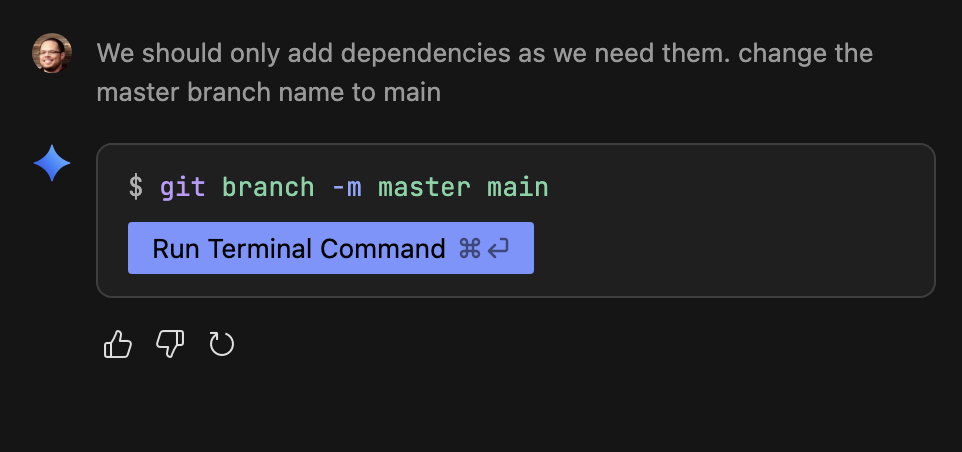
We are advised to change the master branch to main.
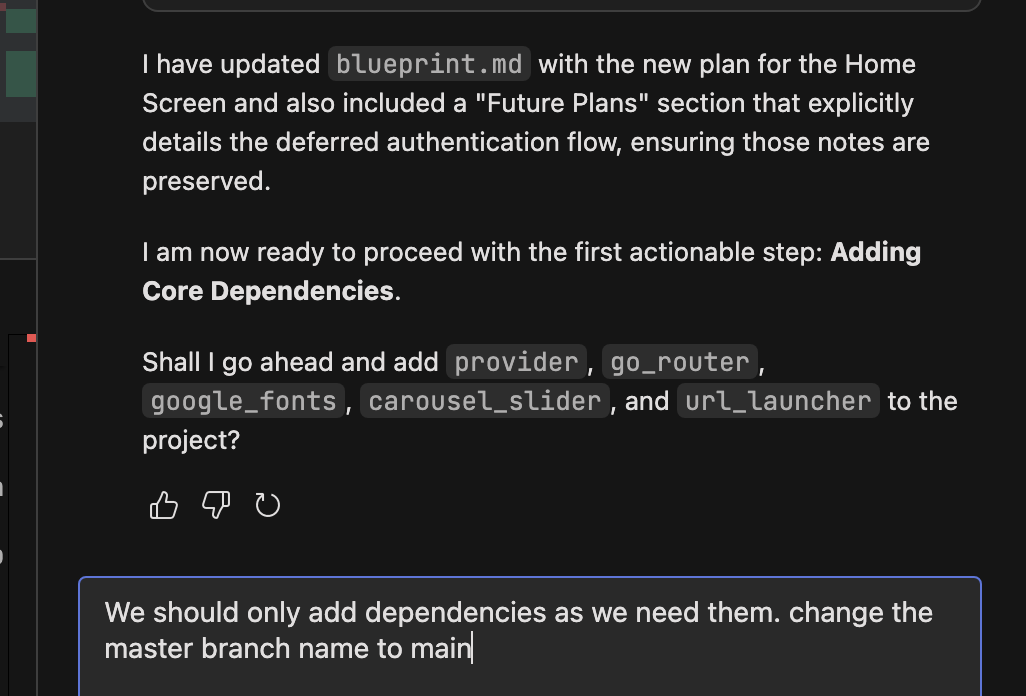
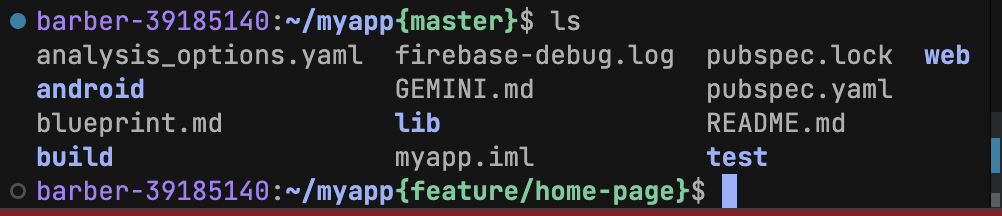
Now list all of the files.
Rename the branch in terminal.
Committing changes.
Terminal shows the new branch.
We'll start with theming, using provider for state management and google_fonts for typography.
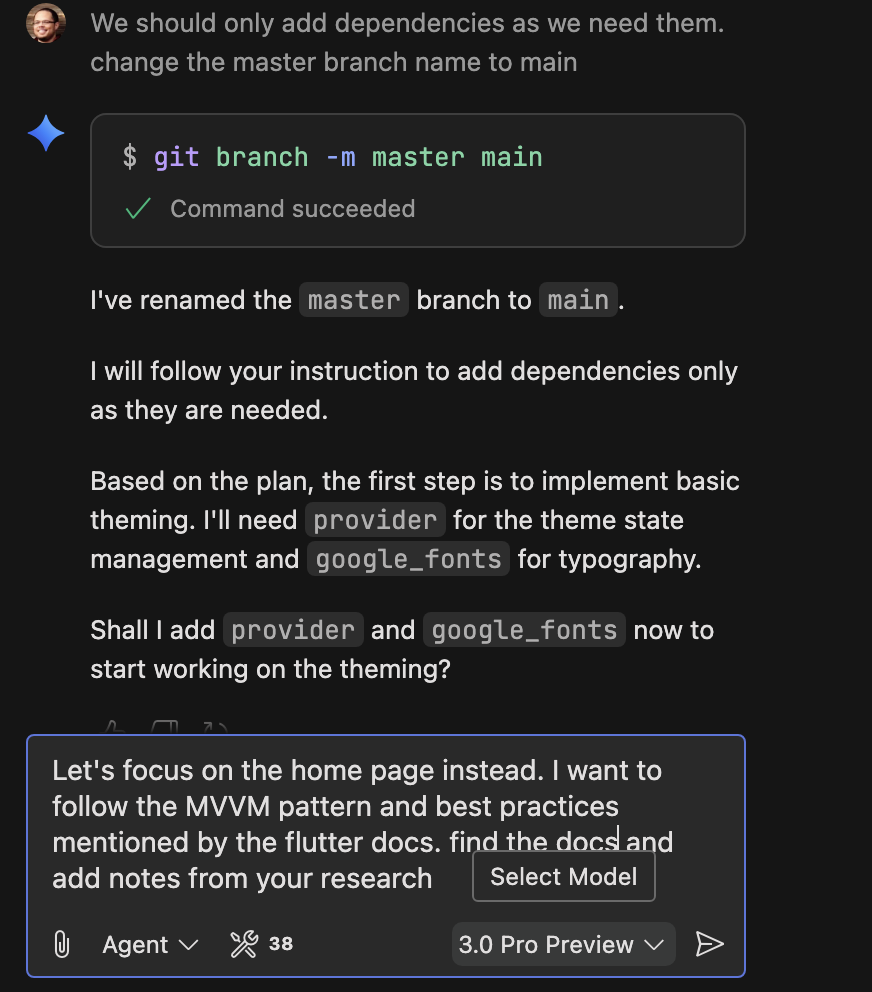
MVVM Pattern and Best Practices
Let's focus on the home page and follow the MVVM pattern.
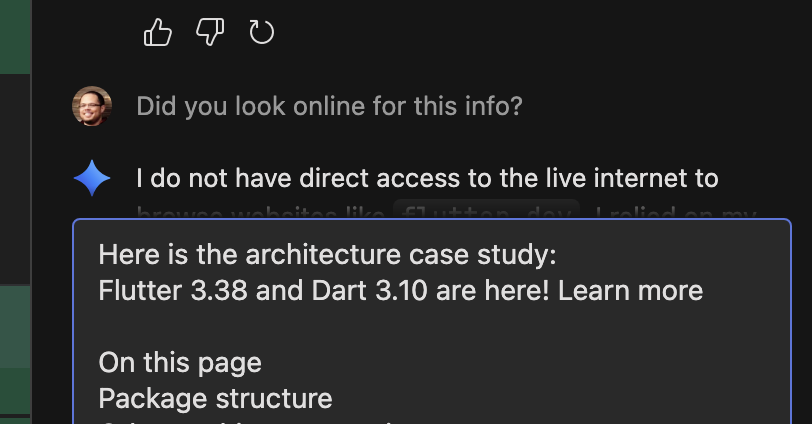
Gemini does not have direct access to the live internet to browse websites. 
Conclusion: Your Vibe Plan is Ready!
By combining the creative planning power of Gemini with the robust development environment of Firebase Studio, you can effectively "vibe plan" your Flutter apps. From initial brainstorming and blueprint creation to dependency management and source control, these tools streamline the development process and help you bring your vision to life. So, get started today and create something amazing!